The tar command (short for Tape Archive) bundles multiple files and directories into a single, easily transportable archive file known as a tarball. It serves as the standard Linux utility for creating and managing these archives. Essential for server administration, it allows you to back up critical data, preserve strict file permissions, and seamlessly integrate with compression tools like gzip (.tar.gz) to save disk space. Mastering its basic flags is a fundamental skill for efficiently managing, transferring, and restoring data on any Linux server.
The Anatomy of a Tar Command
The tar command relies on short, case-sensitive flags to tell it exactly what to do. A standard command looks like this:
tar [options] [archive_name] [target_files_or_directories]
Here are the primary operational flags you need to know:
-c(Create): Tellstarto create a new archive file.-x(Extract): Tellstarto unpack an existing archive.-t(List): Tellstarto view or list the contents of an archive without extracting it.
Here are the most common modifier flags:
-v(Verbose): Visually displays the progress in the terminal by listing every file being processed.-f(File): Specifies the filename of the archive. This must always be the last flag before the archive name.-z(Gzip): Compresses the archive usinggzip(creates.tar.gz).-j(Bzip2): Compresses the archive usingbzip2(creates.tar.bz2).
How to Create an Archive
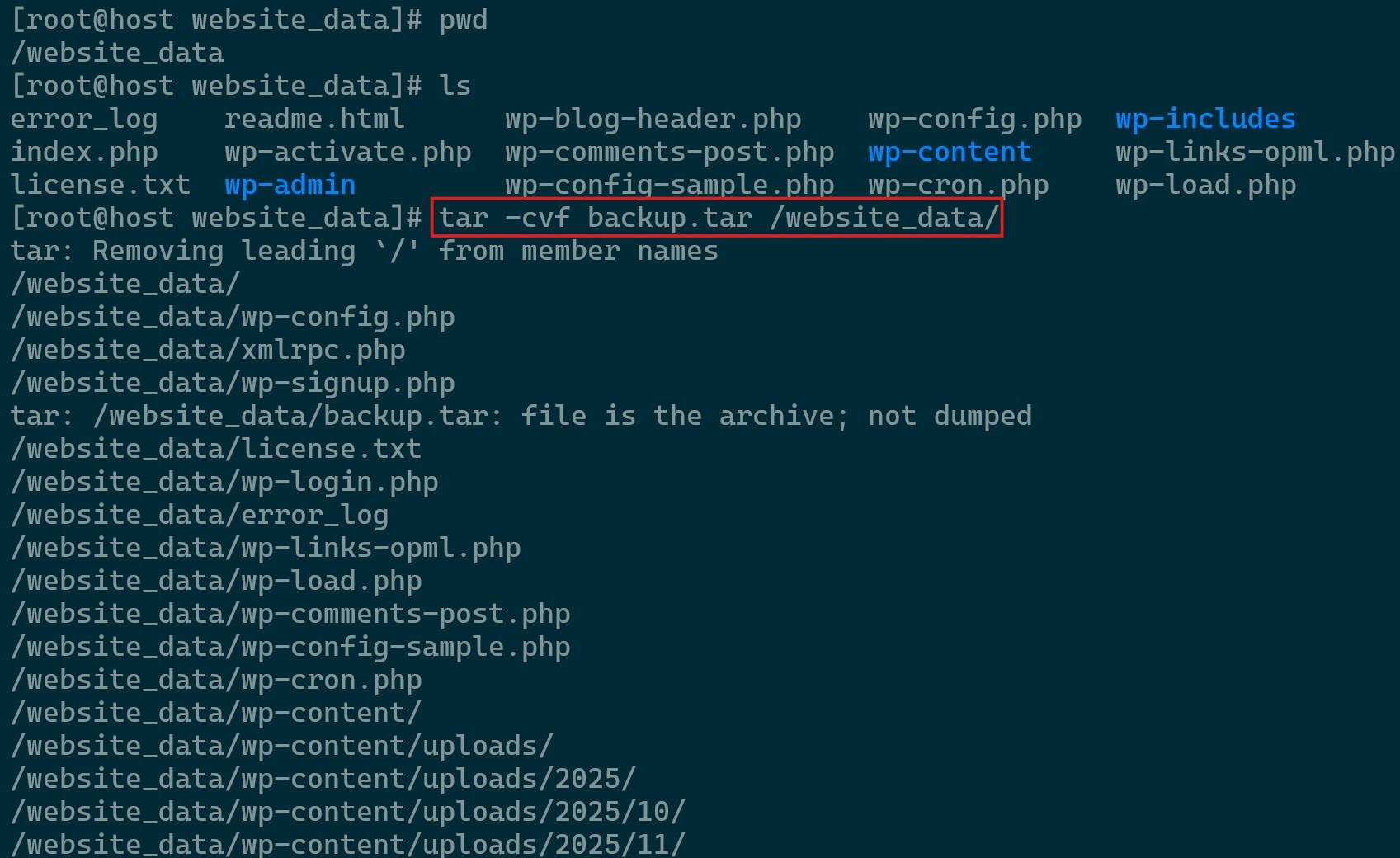
To bundle a directory or a group of files into an uncompressed tarball, use the -cvf flag combination.
- Open your terminal and navigate to the directory containing the items you want to archive.
- Run the command
tar -cvf backup.tar website_data/to archive a folder named website_data

How to Extract an Archive
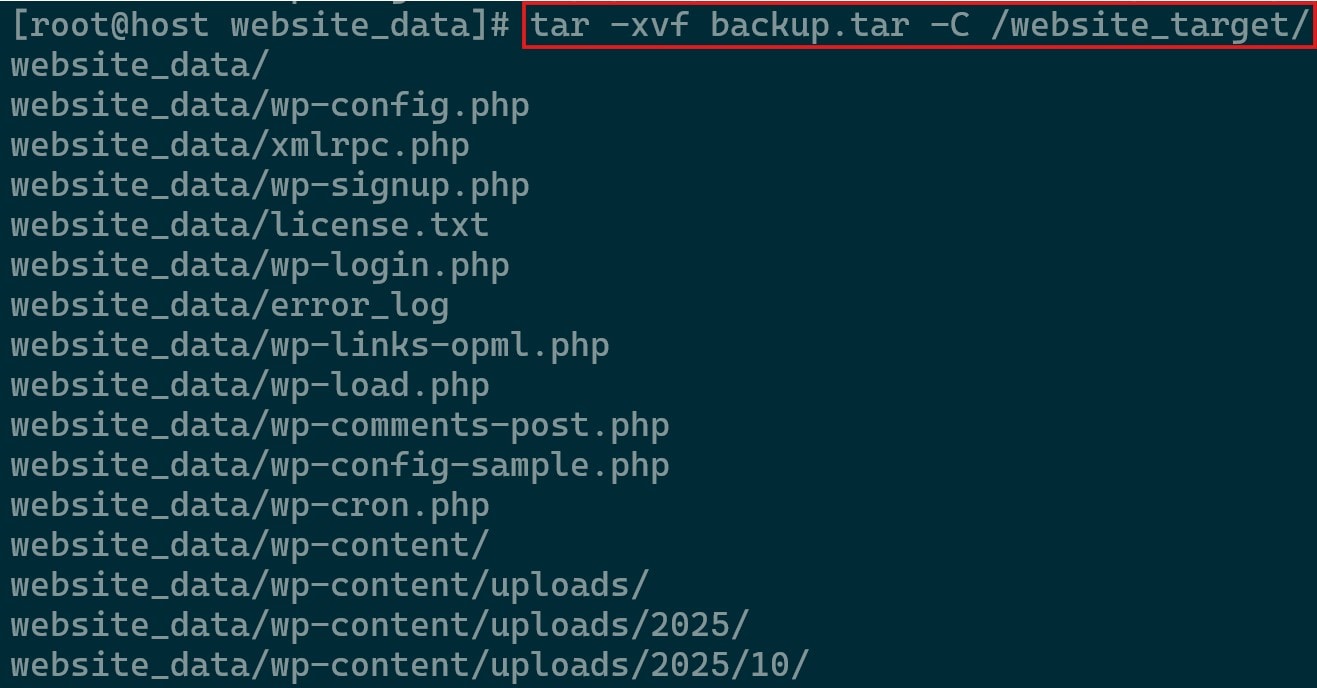
When you download a backup or software package, you need to unpack it. To extract an archive into your current working directory, use the -xvf flags.
- Navigate to the directory where you want the extracted files to land.
- Run the extraction command
tar -xvf backup.tarif you wish to extract the file in the same directory that it is in or add-C /path/to/destinationto it to extract it elsewhere. Ensure that the target directory exists before doing so.
Compressing Your Tarballs: .tar vs .tar.gz vs .tar.bz2
On a production server, uncompressed tarballs waste valuable storage and bandwidth. Adding a single compression flag to your tar command fixes this instantly.
Gzip Operations
- Create a compressed gzip archive using
tar -czvf backup.tar.gz/path/to/directory - Extract the compressed gzip archive using
tar -xzvf backup.tar.gz -C/path/to/target_directory

Bzip2 Operations
- Create a compressed bzip2 archive using
tar -cjvf backup.tar.bz2 /path/to/directory - Extract the compressed gzip archive using
tar -xjvf backup.tar.bz2 -C/path/to/target_directory
How to View the Contents of a Tar File Without Extracting It
Extracting a massive archive just to see what is inside can clutter your server’s disk space. You can safely peak inside any tarball using the -tvf flags.
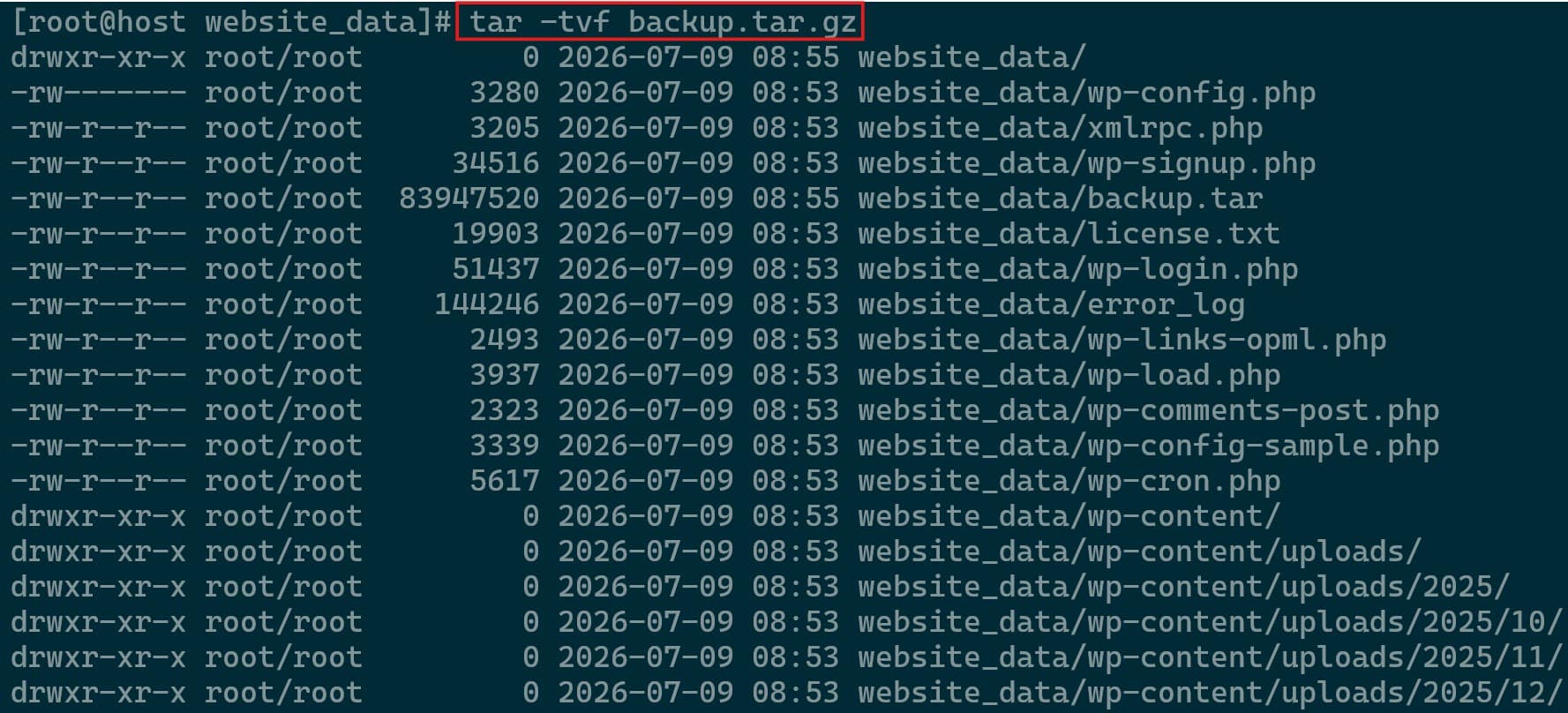
Using tar -tvf backup.tar.gz the compressed tarball can be viewed without extraction as shown below.